Download Instructions
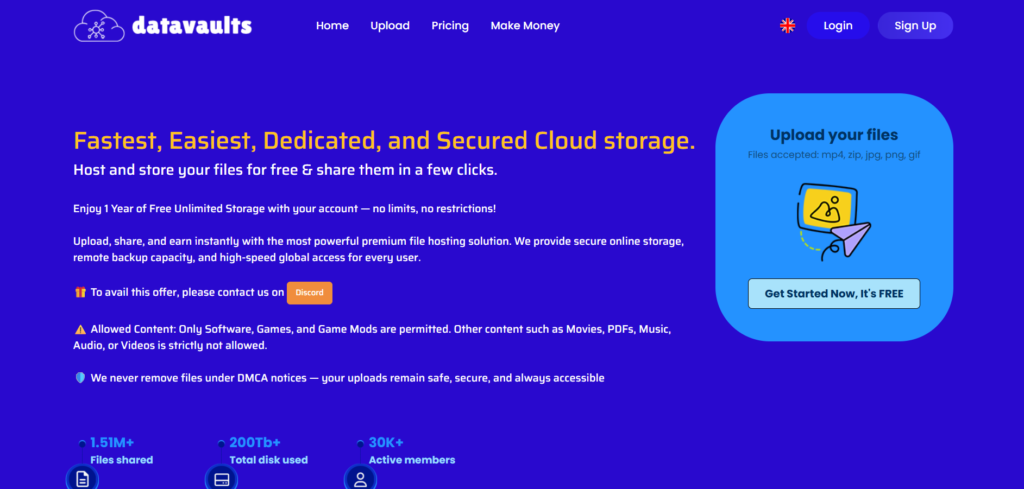
All files on PrimeGameNest are hosted on DataVaults.
- Click the Download button.
- Complete the CAPTCHA verification.
- Click the button again.
- Wait 30 seconds for the timer to finish.
- After the timer ends, click the Download button once more to start downloading your file.
Note: This process is required by the file host to provide free downloads. Thank you for your patience!